

iPhone, iPad and Android
Spacejot on your phone.
Snap the room on site, mark up what to change, and show your client a photoreal render before you leave.


Free to start · the same account as spacejot.ai

See it work
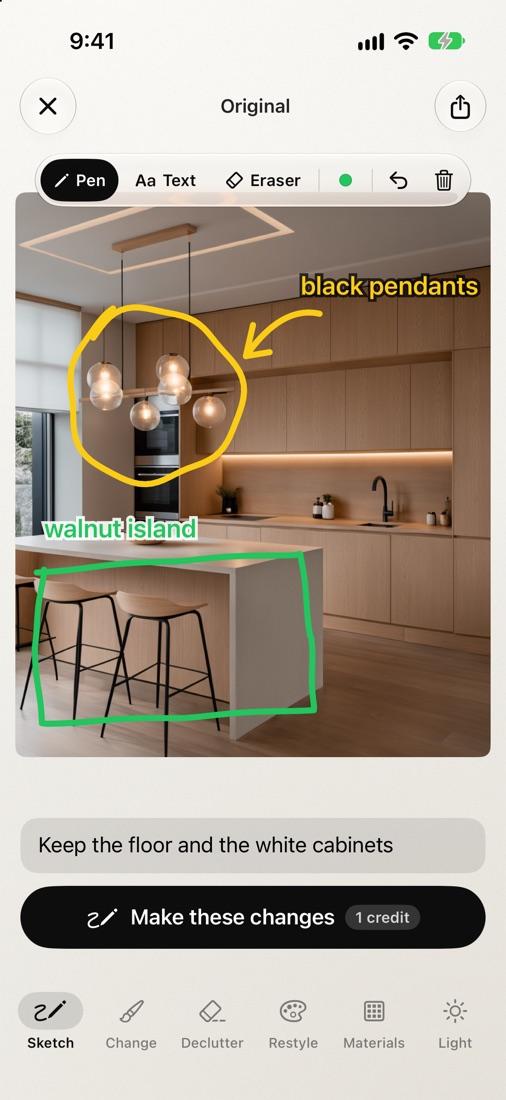
Draw on it, like a printout.
Circle what to change, add an arrow, write “walnut” or “glass”, and add a note. Spacejot follows your markup and leaves none of it in the picture.
Materials
Real materials, from the brands you specify.
Over 9,000 in the app: 3,678 laminates, 417 stone and quartz worktops, floors, and 4,821 paint colours. Pick a surface, then a swatch, and that exact material goes on it.
Jennings · EDL · Lamitak · Arova · Keminates · Panaplast · Formica · KompacPlus · Dekton · Lian Hin · Melmer · Inspireum · Dulux · Nippon Paint
Laminates, worktops and floors
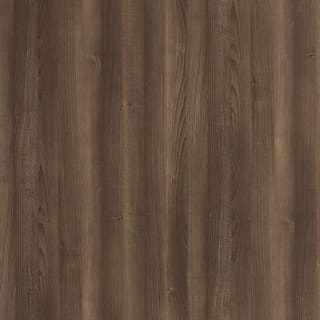
American Walnut
Formica ·
5150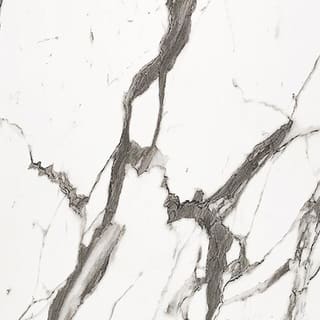
Bianco Marble Uassiq
Lamitak ·
DXO 4316G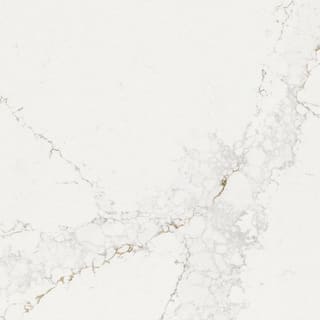
Bronze Rivers
Dekton ·
worktop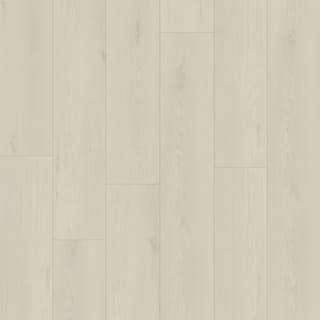
Pearly White Oak
Inspireum ·
floor
Concrete Terrazzo
Jennings ·
PQ5001ST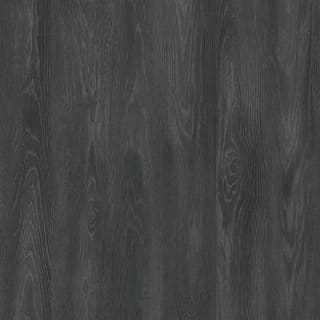
Supreme Lite Dark Ashwood
Arova ·
AAT 2323 M
Arcadia White
Melmer ·
quartz
Cocoa Stitched Leather
EDL ·
ELS 9355SL
Calacatta Oro
Panaplast ·
T-M 38391U
Calm Oak
Formica ·
6082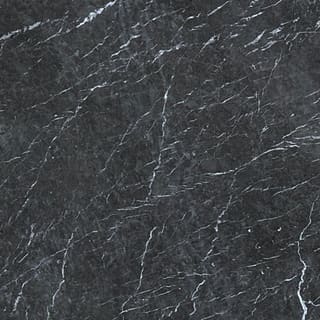
Grigio Notte
Lian Hin ·
stone
Ginko Maple Wood
Lamitak ·
CCX 47202X
Bardiglio Marble
Keminates ·
KC 1582
Copper Oak
Inspireum ·
floor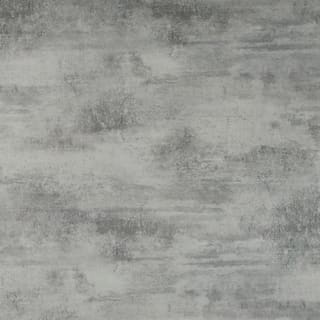
Varese Concrete
KompacPlus ·
K3.02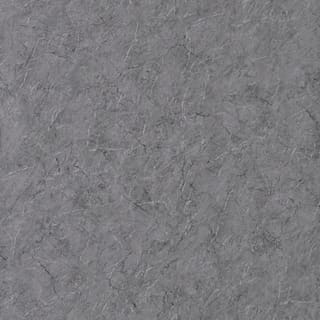
Grey Stone
Jennings ·
PQ2531SM
Paint colours
Summer Sage
Dulux
Bennington Clay
Dulux
Barrister White
Dulux
Neverland
Nippon Paint
Misty Rain
Nippon Paint
Lake Alone
Nippon Paint
Or bring your own.
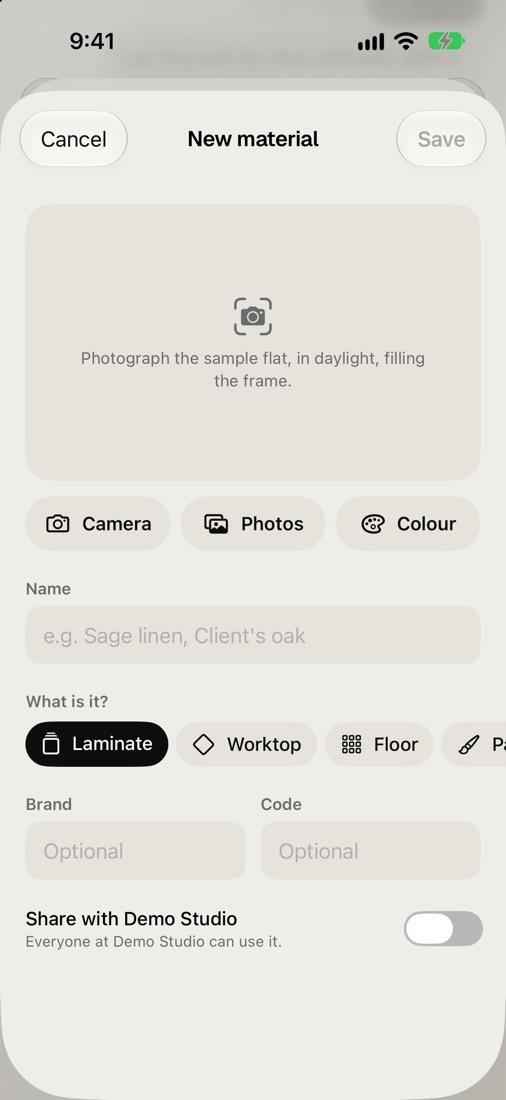
The client's own tile, the supplier's offcut, a paint you mixed: if it's not in the catalogue, add it, and use it like any material there.
Snap the sample
On site, in daylight, filling the frame. Or pick a photo, or just a colour.
Say what it is
Laminate, worktop, floor or paint, with its name, brand and code.
Share it with your studio
It's in Mine for you, and everyone at your studio can use it too.
Everything you need on site.
The whole studio in your pocket, from the first photo to the board you send the client.
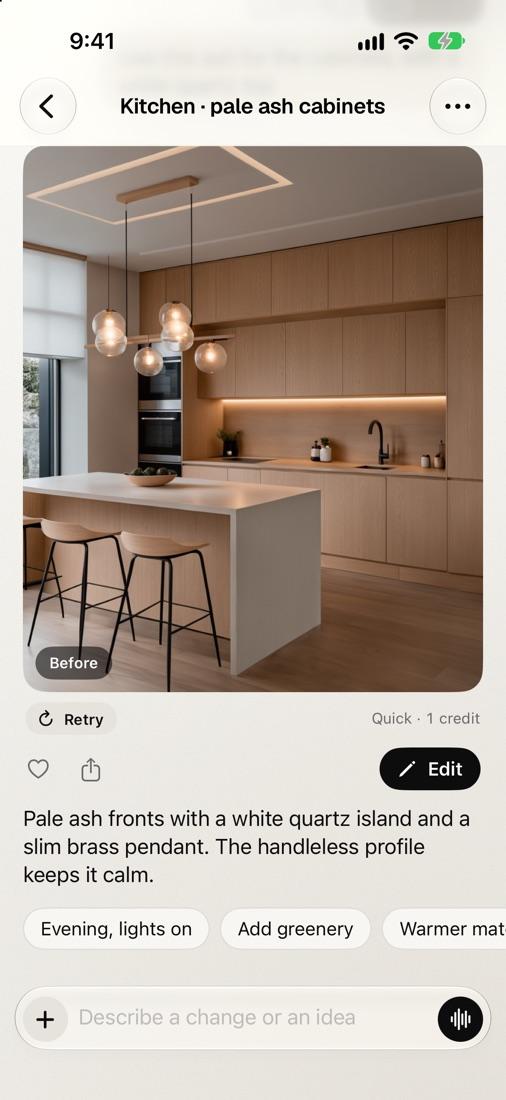
Just chat.
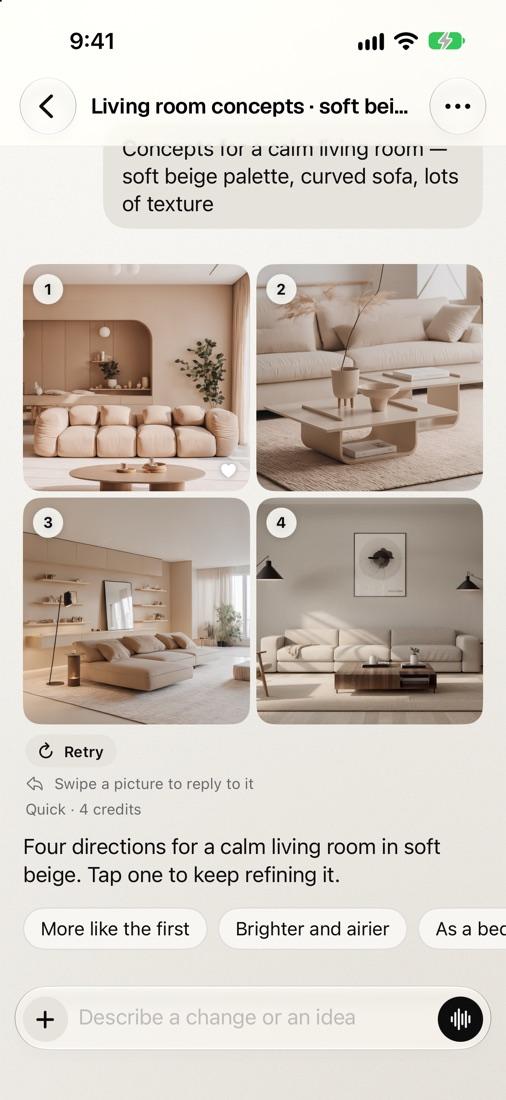
Send a site photo or a line drawing and say what to change. Get options side by side, then reply to one to keep refining it.
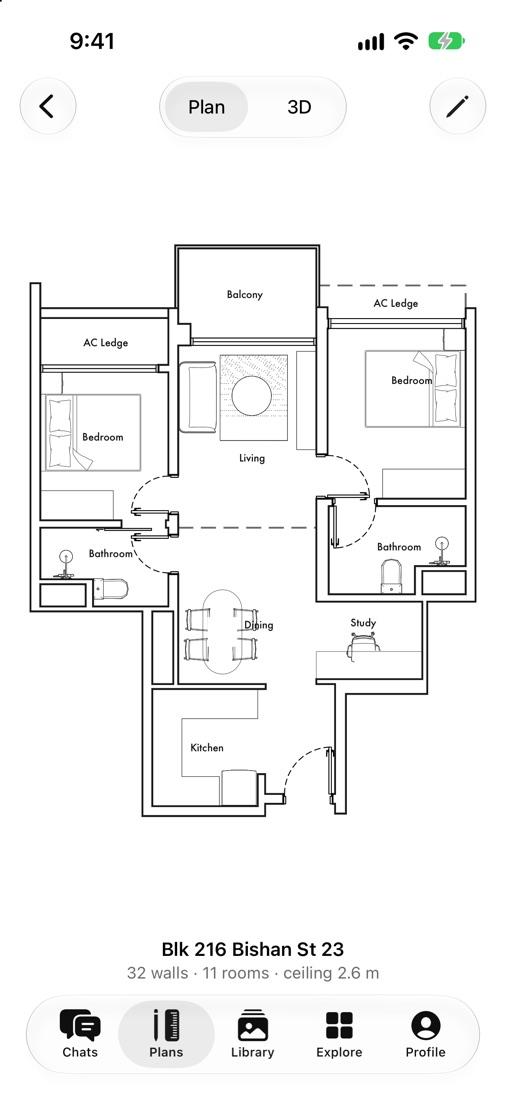
Your plans, in 2D and 3D.
Plans you draw on spacejot.ai open on your phone, ready to walk a client through on site.
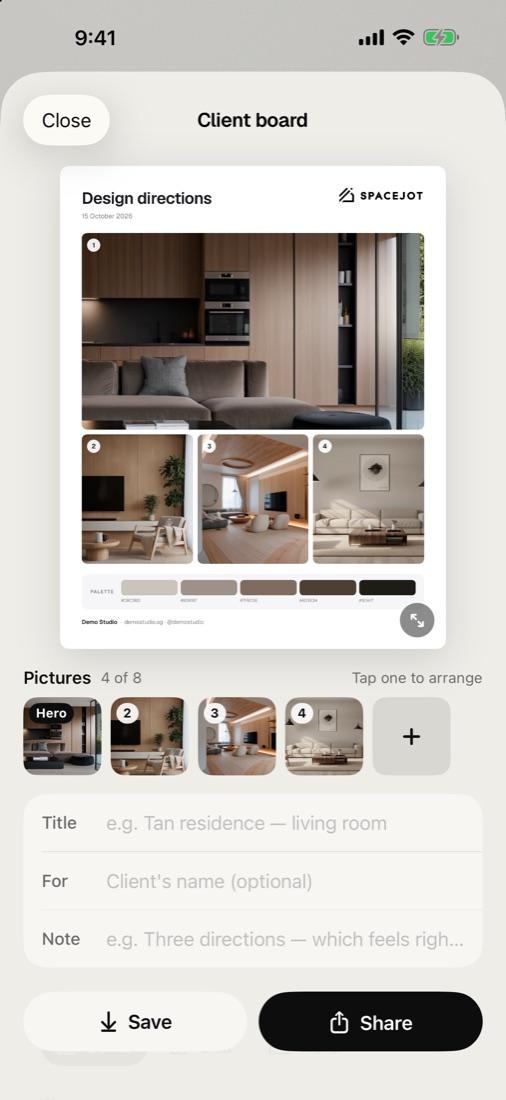
Boards in your brand.
Put your best pictures on one client board with your logo and studio name, and share it.
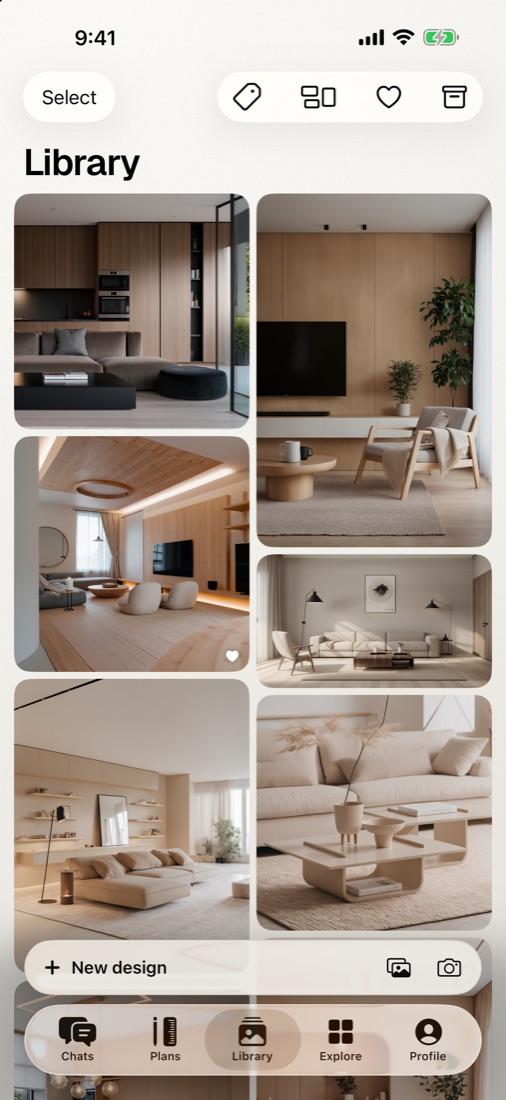
Every picture, kept.
Favourite them, label them by client or project, and compare before and after.
Same projects, every screen.
Sign in with your spacejot.ai account. Your chats, plans and credits are the same on your phone, in the browser and in the desktop app.
Questions about the app.
Something not working? Talk to us.
Yes, to start. Free includes 30 image credits a month to try it. Pro adds every quality up to 4K, 4 options per idea and 400 credits a month.
iPhone and iPad with iOS 26.1 or later, and Android phones and tablets with Android 9 or later.
No. Sign in with the account you use on spacejot.ai: with Google, your password, or a code we email you. New to Spacejot? You can make an account in the app.
Everything you make is in the app's Library and in your chats on spacejot.ai, so you can pick up on your computer where you left off on site.
Yes. In Materials, open Mine and tap New: photograph the sample, name it, and it's yours to use on any picture. Share it with your studio and everyone there can use it too.
In the app, Get more credits (in your Profile) sells Pro and credit top-ups through the App Store or Google Play. Max and Team plans are on spacejot.ai.